Free Sudoku Online
Tap a cell, choose a number
00:00
Selected: R1 C1
How to Play Sudoku Online
Pick a cell, then tap a number on the keypad. Start with the easiest spots. Look for rows, columns, or 3×3 boxes that are almost complete. Use Undo to step back or Restart to reset the puzzle.
Sudoku Rules
Fill the grid so every row, column, and box contains numbers only once. No math is required, only logic.
Tips for Solving Faster
Look for single candidates first. Then scan for missing numbers in each row, column, and box. If you get stuck, focus on one box at a time and eliminate options using nearby rows and columns.
Choose Your Difficulty
Play Sudoku in 5 difficulty levels, including a 4×4 For Kids mode. Use the timer to track your progress and improve your best time over time.
Optional Error Checking
If you enable Show errors, the game highlights conflicts when the same number appears twice in a row, column, or box. If you prefer a classic experience, turn it off and solve at your own pace.
Press Check to highlight the incorrect numbers you've already filled in. New entries will not be checked until you press Check again.
Sudoku Printables
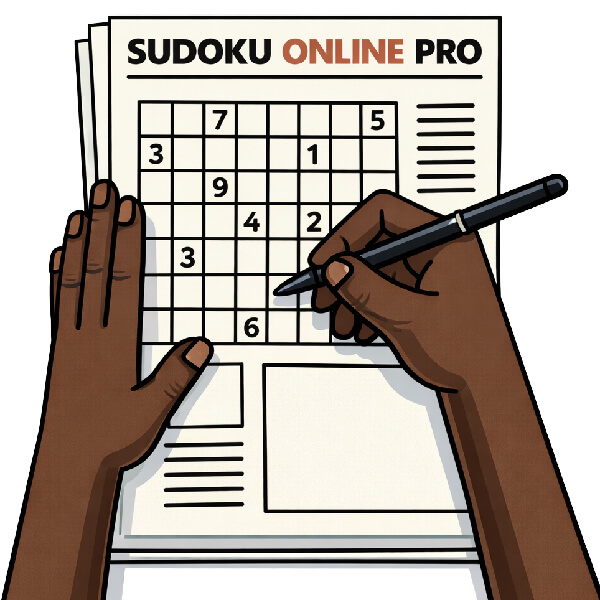
Want to solve on paper? Print Sudoku puzzles in any difficulty, including the 4×4 For Kids mode.
Choose a level, hit Print, and get a clean, printer friendly grid to play offline at home, in class, or while traveling.